
1
Build your course with AI
Draft the description, syllabus, modules, textbook ideas, rubrics, and optional CLO/PLO outcomes. Then edit everything.
AI ASSISTS · YOU APPROVEBuilt for independent educators
AI-powered course management and grading for independent teachers.
ProfDesk helps you build courses with AI, connect students, grade faster, and see who needs support without waiting for an institution to give you an LMS.
Free forever · No credit card · Pro is $5/month
From idea to active class
Begin with an AI-assisted draft or build manually. Either way, every decision stays yours.
Draft the description, syllabus, modules, textbook ideas, rubrics, and optional CLO/PLO outcomes. Then edit everything.
AI ASSISTS · YOU APPROVEShare a class code or create student accounts yourself. Email addresses are not required.
Manage submissions, feedback, attendance, grades, messages, and progress from one desk.
One connected product
These lightweight previews mirror the tools teachers and students actually use inside ProfDesk.
Course Creator & Builder
Tell ProfDesk who you teach and what the course covers. AI can propose the description, outline, textbooks, rubrics, and outcomes one step at a time.
Choose AI-assisted planning or a shorter manual walkthrough.
Build with ProfDesk AI Set up manuallyTeacher workspace
Open the tools you use every day from the course dashboard, with ordinary teaching tools in teal and AI tools clearly marked in lavender.
ZenGrader
Review student work against your rubric, use an AI draft where helpful, adjust every mark, and release grades only when you are ready.
Results & Outcomes
Use assessment analytics and optional CLO/PLO reporting to identify trends and students who may need attention.
Student workspace
Students join a teacher's class, move through learning modules, submit work, and review released feedback. Eligible retained work stays available in Academic Records.
AI with a teacher in charge
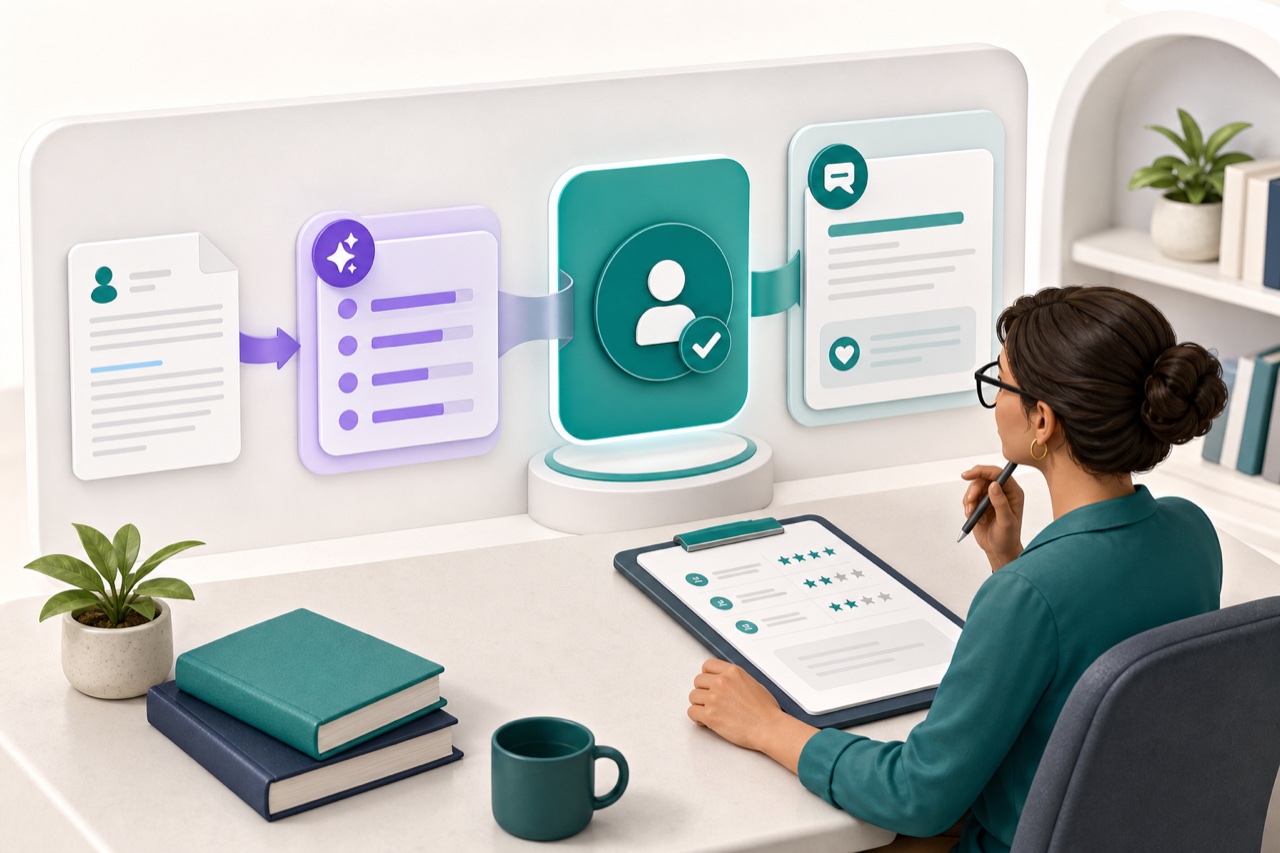
ProfDesk supports the whole teaching cycle while keeping every generated suggestion editable and every final decision with you.
Progress and outcomes
See class performance, assessment trends, and outcome attainment without wrestling with spreadsheets. OBE mapping is there when you need it and out of the way when you do not.
Choose by workflow fit
The useful question is not which product has the longest checklist. It is which one removes the work that costs you time every week.
| For an individual educator | Google Classroom | Canvas / Moodle / Blackboard | Gradescope | ProfDesk |
|---|---|---|---|---|
| Best fit | Lightweight distribution and communication | Broad course delivery and institutional operation | Specialized assessment and grading | Self-serve course, grading and outcomes |
| Access without an institution | Yes | Varies by product and hosting | Core access; advanced availability varies | Yes, by design |
| Course workspace | Lightweight | Comprehensive | Grading-focused | Focused solo-teacher workspace |
| Loose scanned-paper workflow | External or manual | Varies by add-on | Specialized grading workflow | AI matching + reviewed AI grading |
| CLO/PLO outcome evidence | External workflow | Varies by platform and setup | External workflow | Built in and optional |
| Solo-teacher price | Free | Varies | Varies by access | $0 / $5 per month |
Product availability changes. The detailed guides below explain the trade-offs and link each recommendation to a specific teaching workflow.
Simple pricing
Both plans include the core classroom and grading workflow. Pro adds capacity, complete insight, sequencing, reuse and sharing.
Run up to 2 active classes with no credit card.
Coordinate a full teaching load without rebuilding the work you already made.
Build a course with AI, invite students when you are ready, and keep every part of the class under your control.
Get started free